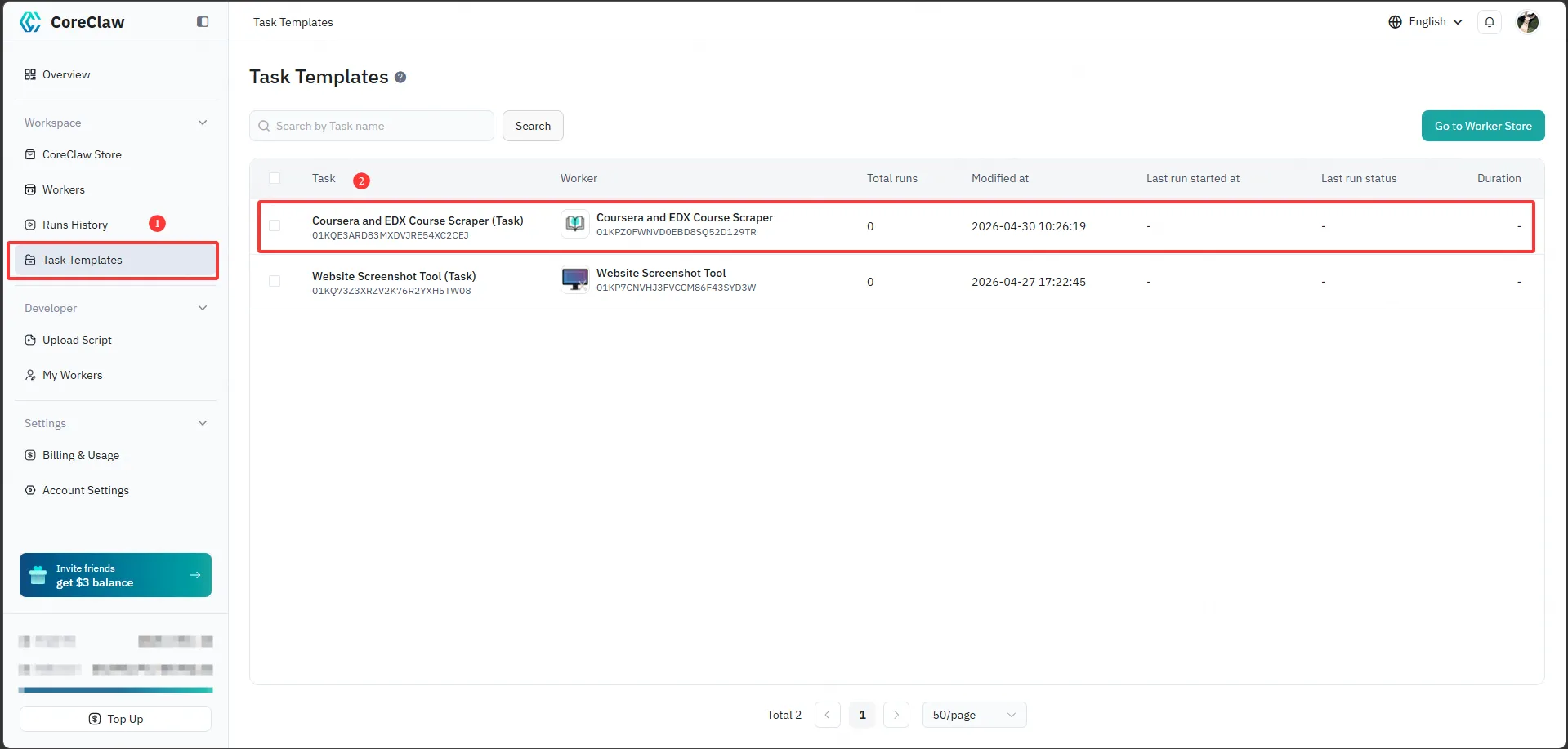
Worker Tasks
Tasks let you create and save multiple preset configurations for the same Worker, making it easy to reuse and run on demand. For example, you can configure a “Product Scraping” task to extract basic product information, reviews, and other data from Amazon. Once the target URLs and parameters are set, the same configuration can be reused to scrape different products.
You can manage and run these task configurations directly in the CoreClaw Console, and view their execution history, enabling efficient task management and reuse.
Select a Worker
Section titled “Select a Worker”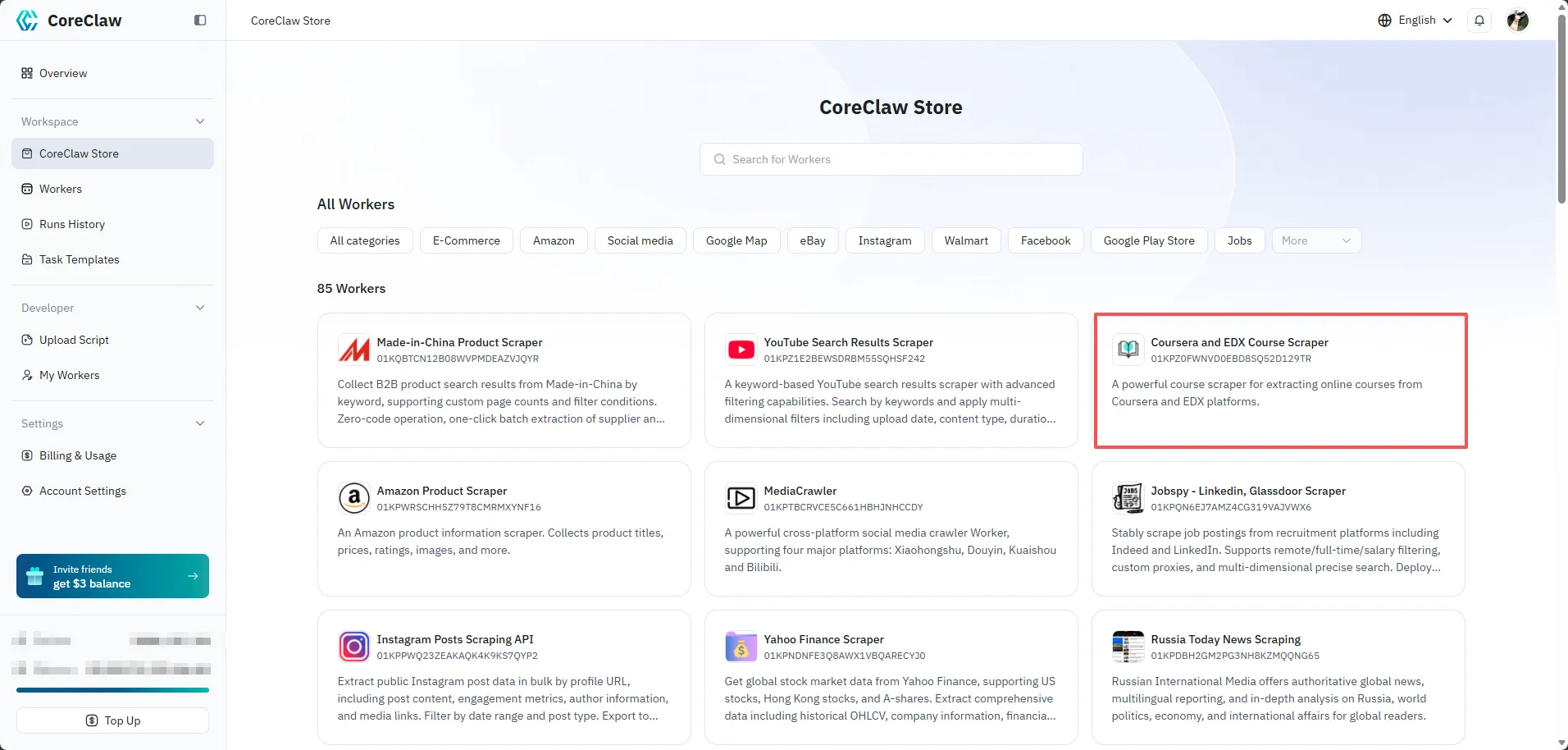
Configuration
Section titled “Configuration”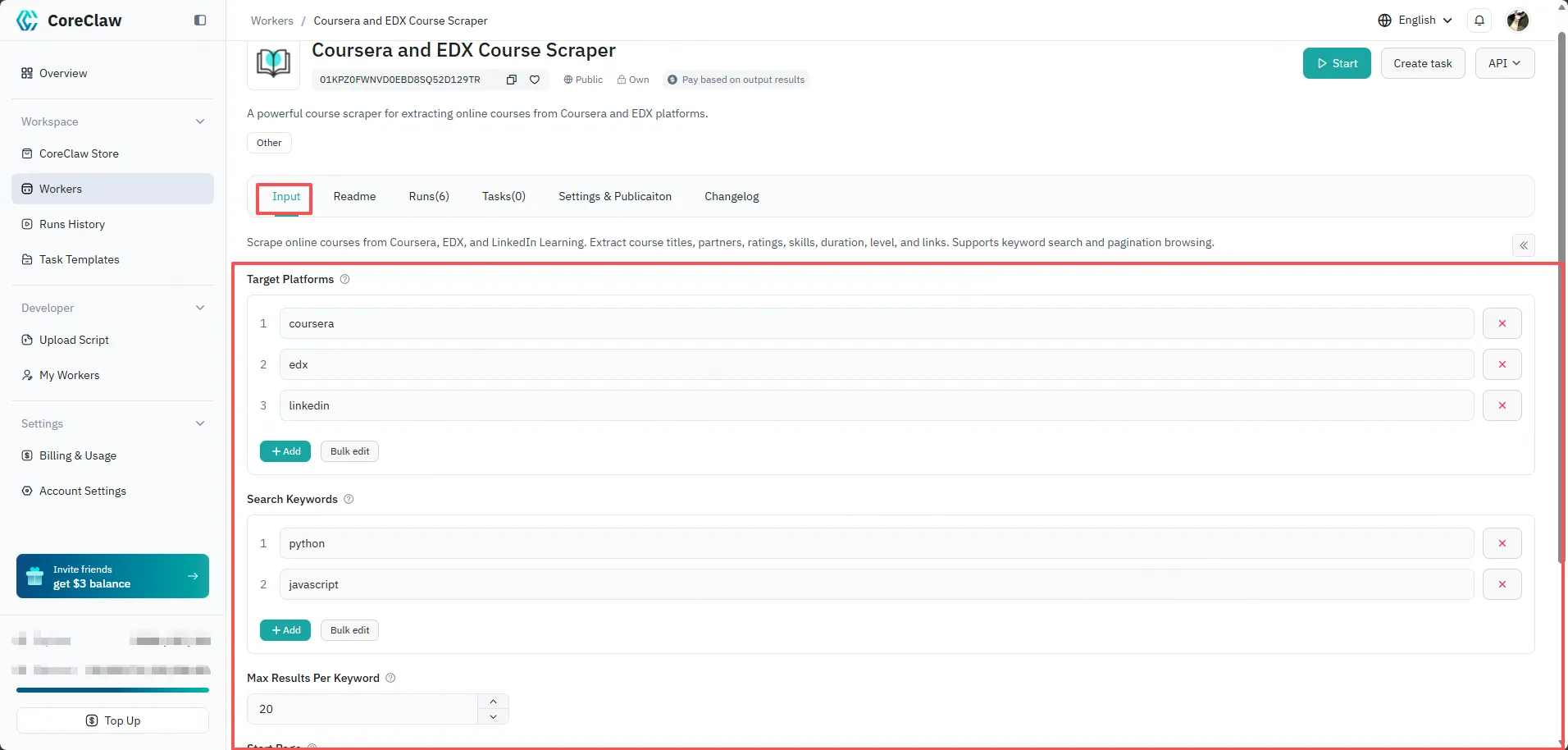
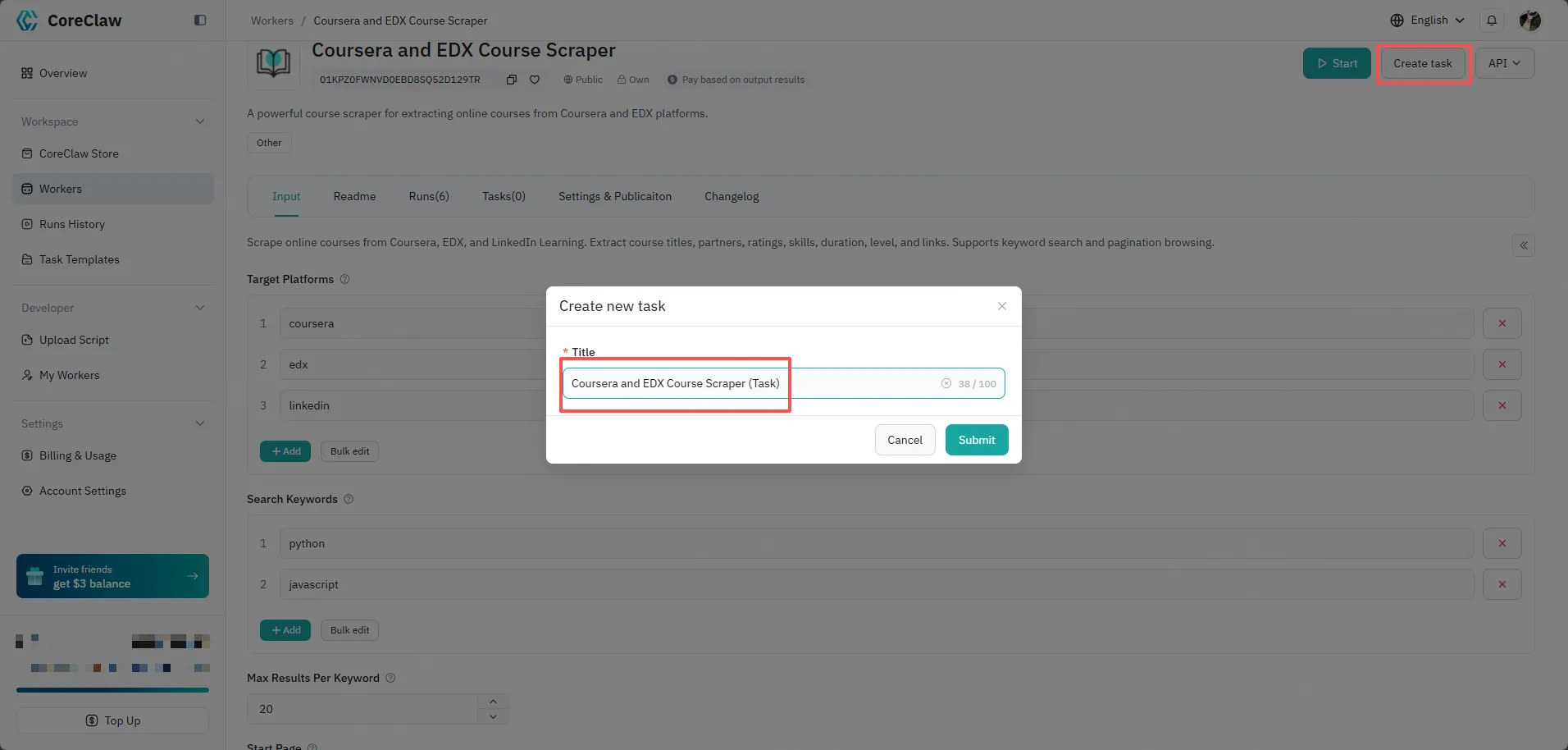
Naming
Section titled “Naming”To make tasks easier to identify, you can click the task title on the details page to add a name, title, and description.
Task Templates
Section titled “Task Templates”You can view saved tasks in the Task Templates section of the Console, making it easy to perform repetitive task work.